Paradev vs Emdash: parallel tasks, remote hosts, and automation
Compare Paradev and Emdash for parallel coding agents, scheduled tasks, remote development, desktop platforms, and licensing.
Paradev and Emdash both organize coding agents into worktrees, provide diff review, and schedule recurring tasks. Emdash supports macOS, Windows, and Linux under an Apache-2.0 license. Paradev offers an iPhone and iPad app for continuing work on a connected host or a cloud workspace.
At a Glance
| Requirement | Paradev | Emdash |
|---|---|---|
| Parallel tasks | Workspaces with separate branches and worktrees | Tasks with separate branches and worktrees |
| Desktop | macOS; experimental Linux; Windows unavailable | macOS, Windows, Linux |
| Scheduling | Pro automations on a selected host, with run history and retry | Scheduled tasks with run history |
| Remote work | Hosts set up over SSH with superset hosts add or Settings, with membership controls; cloud workspaces | SSH projects and provisioned workspaces |
| Source license | Elastic License 2.0 | Apache-2.0 |
Emdash's documentation covers agent providers, issue intake, previews, and review. Its automation reference describes scheduled and manual runs. It also offers cloud workspaces and an enterprise plan.
Paradev requirements
Paradev runs CLI coding agents in separate workspaces, with terminals and diff review in one app. Workspaces run on your machine, on hosts you add, or in the cloud. Desktop supports macOS and an experimental Linux AppImage. Windows is not yet available. Paradev is source-available under Elastic License 2.0.
To use Paradev on iPhone and iPad, you need iOS 26 or iPadOS 26 or later, Pro, and either a host that stays online or a cloud workspace. Remote access and automations also require a paid plan. See pricing and remote access setup.
Try it in your repository
Run one of your usual tasks in each app with the same agent and model. Open the diff, ask for a correction, and run your project's checks. Compare how much setup and review each app takes. The parallel-task guide has prompts you can use.
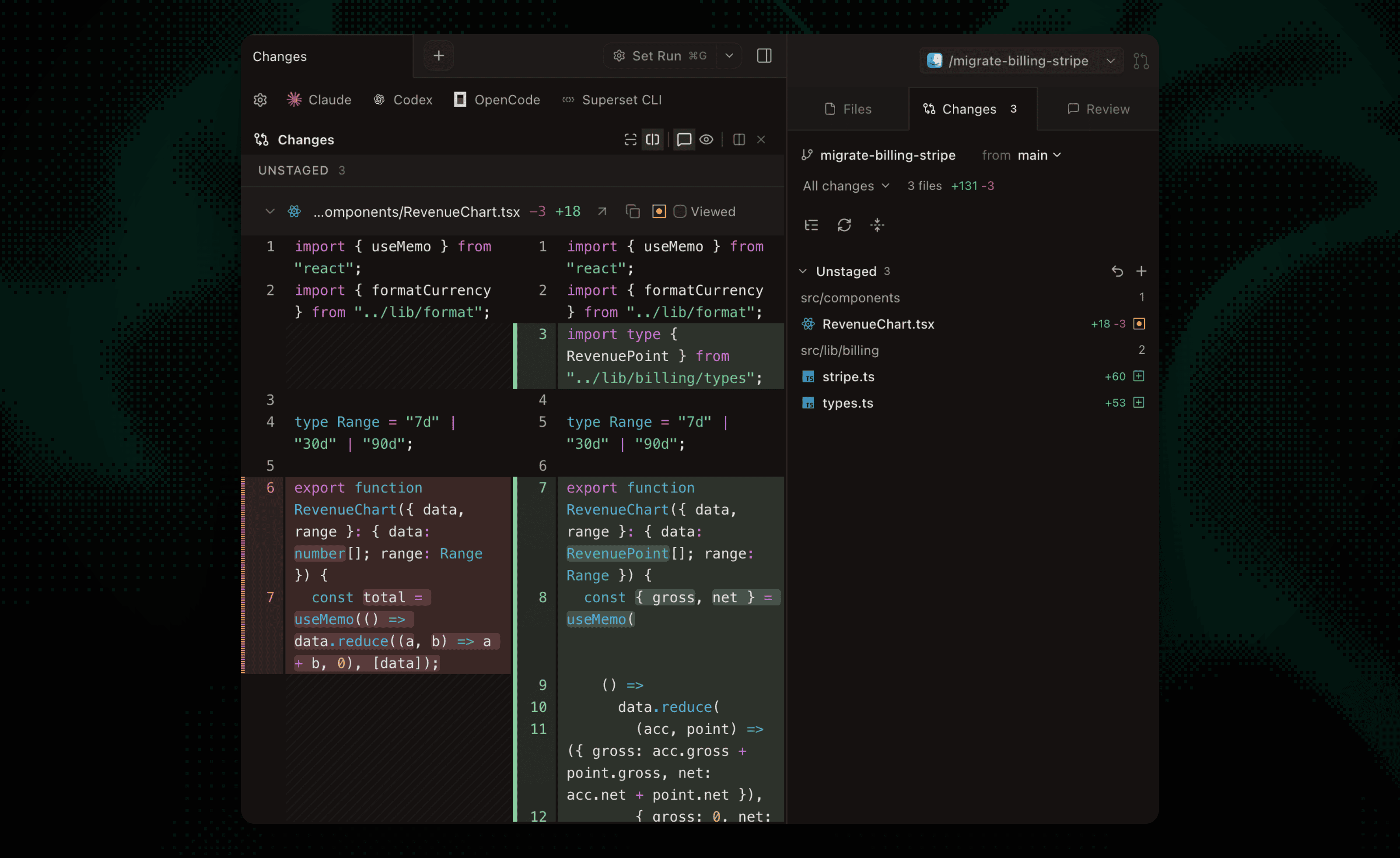 Reviewing a change in Paradev.
Which should you choose?
Choose Paradev if you want to continue Claude Code or Codex sessions from your iPhone and review changes before returning to your desk. Try the mobile walkthrough, then the maintenance automation.
Choose Emdash if its supported desktop platforms, Apache-2.0 license, or documented issue integrations are decisive. Test the particular provider and tracker you need instead of selecting by the largest advertised integration count.
Both products offer ways to inspect agent output. Use the same task and acceptance checks to decide which makes that review easier for your team. Emdash describes its core desktop app as free; cloud and enterprise are separate offerings whose current terms should be checked. Paradev's paid feature requirements are listed on pricing. Agent-provider usage is separate.
Frequently Asked Questions
Can Emdash schedule recurring work?
Yes. Emdash documents scheduled tasks with run history and manual runs. Paradev also supports automations.
Does Emdash support remote development?
Yes. Its documentation covers SSH and provisioned remote workspaces, and it has a cloud offering.
Is Paradev open source under the same license?
No. Paradev is source-available under Elastic License 2.0. Emdash uses Apache-2.0. Read the licenses if redistribution or service hosting is part of your requirements.